Key takeaways.
“Display” can mean a small HUD/text overlay. A larger virtual screen, or an immersive VR/MR headset.
HUD-style display glasses are built for readable, glanceable text. Not long-form video.
Virtual screen glasses are usually the right category for movies. YouTube, and Netflix, but compatibility and DRM matter.
Fit comes down to monocular vs binocular viewing. Readability in your lighting, control methods, comfort, and privacy (camera vs no camera).
So you’re looking for smart glasses with display? But do you want a private screen for movies, or a heads-up readout for prompts, captions, or translation?
The problem is that both types get described as having a “screen,” but the experience (and what you can realistically do) is very different.
This guide focuses on display choices and buying criteria to consider. If you want the bigger overview first, start with the types of smart glasses.
Do smart glasses have screens? What “display” means in real life.
Yes, there are plenty of display-equipped smart glasses. But “screen” can refer to three very different experiences:
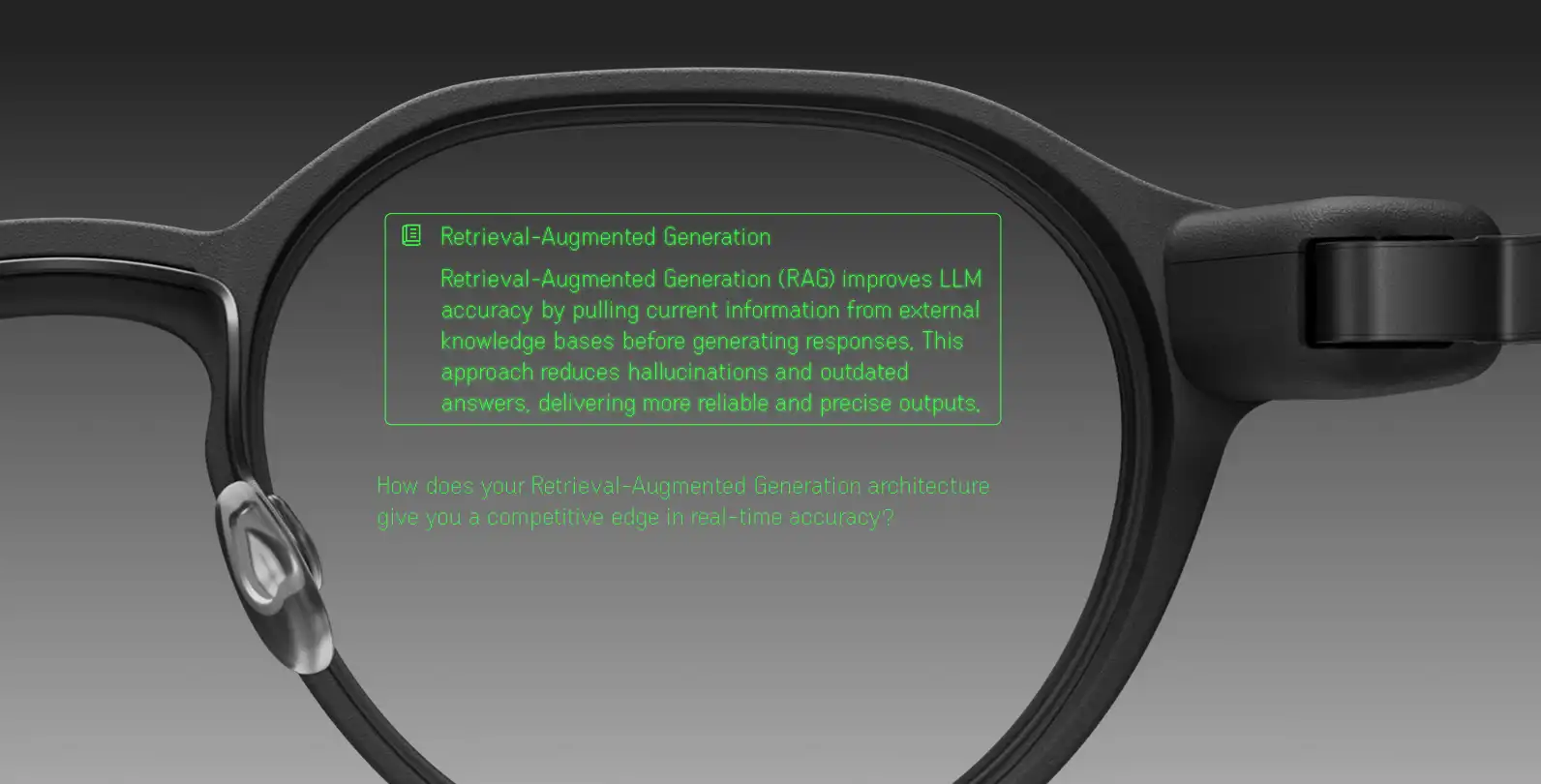
HUD / text overlay. A small layer of text or simple graphics floating in part of your view while you still see the world normally.
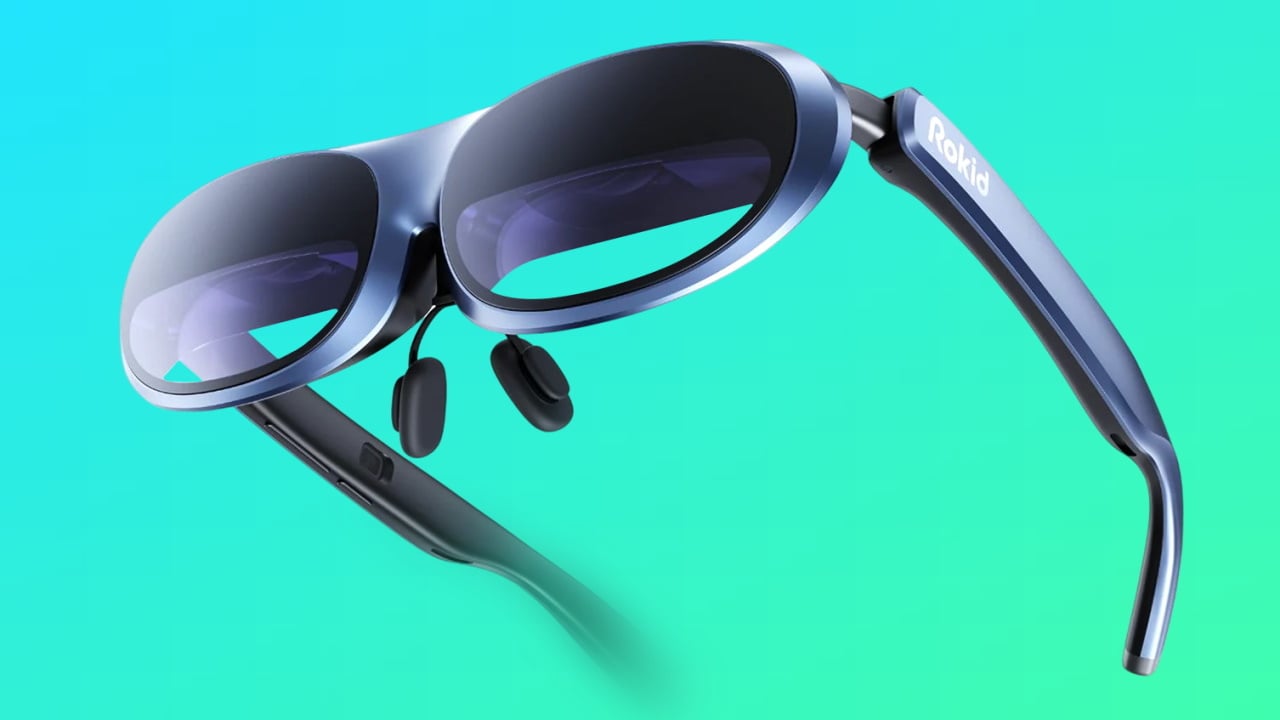
Virtual screen. This feels like a large monitor or theater screen in front of you, made for media and “second screen” work.
Immersive headsets (VR/MR). A mostly or fully digital scene. These aren’t everyday eyewear.
A quick and easy way to pick the right lane:
Want captions, notes, teleprompter lines, translations, navigation cues while walking around? Start with a HUD/text overlay.
Want movies, gaming, or a laptop monitor on the go? Go for a virtual screen.
Want full immersion? Now you’re in headset territory.
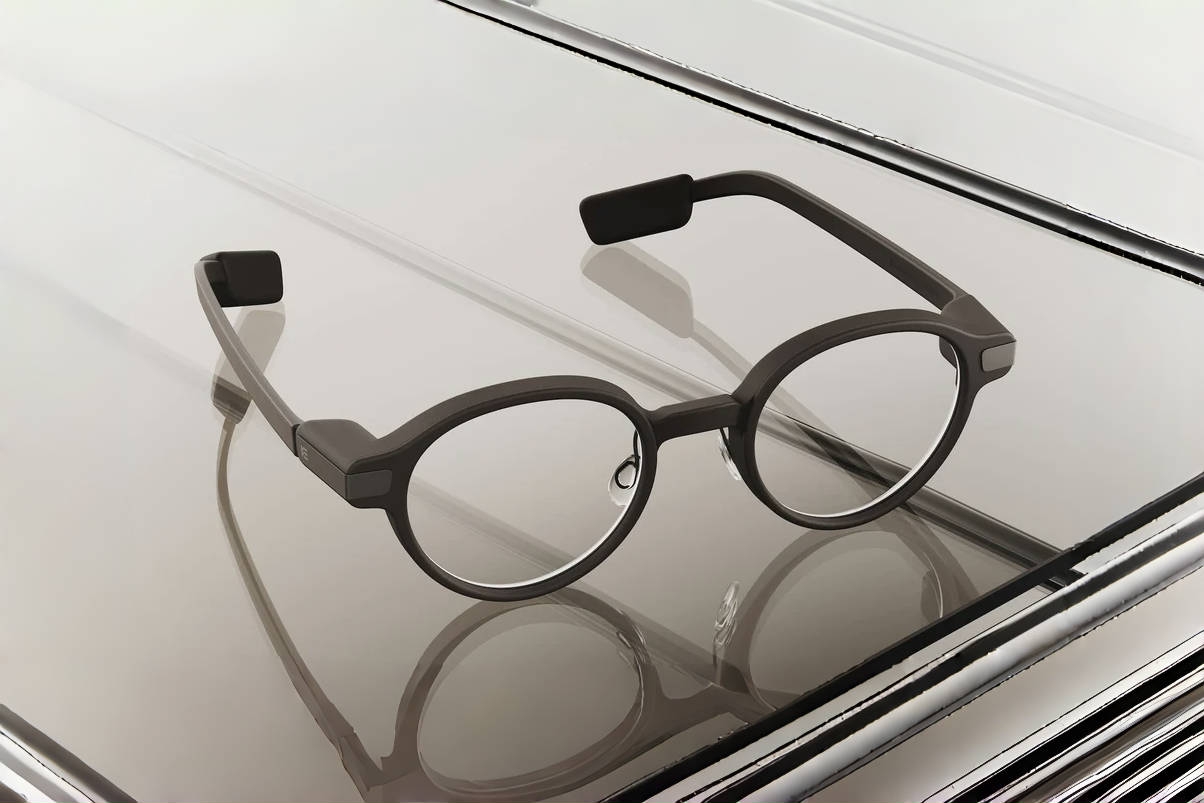
HUD / waveguide overlay glasses (text-first).
Think “glanceable information,” not “mini TV.”
A HUD overlay is usually meant for:
live captions/transcripts
short translation lines
reminders and prompts
navigation cues (turn arrows, compass, distance)
Based on the number of displays, HUD glasses can be monocular (image to one eye) or binocular (both eyes). Binocular systems are widely considered superior because they allow the brain to merge the images, resulting in a centered, more natural overlay that reduces eye strain when compared to single-eye viewing.
Virtual screen glasses (media/monitor-first).
Virtual screen glasses aim to mimic a big monitor you can carry around. If you are wondering “Can I watch movies on smart glasses?” This is probably your category:
They act like an external display for a phone, laptop, or other source.
They may use darker/tinted optics to help the screen look more solid.
Comfort level for 60–120 minute sessions is a major deciding factor.
Immersive VR/MR headsets (not everyday eyewear).
Headsets can be great for immersive use, but they’re a different product class. If you need to keep eye contact, move through real spaces, or wear them like normal glasses, headsets usually aren’t the right fit.
What do you see with smart glasses (and can you still see the real world)?
With transparent HUD-style display glasses, you still see the world. The display is a floating layer that sits in a portion of your field of view.
What to expect in real life:
Where the content appears. Often off-center (in a corner, top edge, or along the bottom). It’s designed so you can glance at it, then look back up.
How “in the way” it feels. Usually just a small overlay which is easy to ignore.
Monocular vs binocular feel. Monocular overlays can feel like they’re “on one side.” Your brain usually adapts quickly, but it’s not the same as a centered screen.
Readability depends on lighting. Indoor readability is easier than under direct sun. Lens tint, glare, and brightness control also matter a lot.
Focus and comfort. Many designs place the virtual image at a fixed focal distance to reduce constant refocusing. If your goal is long-session use, pay attention to ergonomics: the overall weight, balance, strap design, and a secure, well-adjusted fit are the keys to minimize pressure points and strain.
How smart glasses show a display.
Most display glasses start with a tiny microdisplay or projector inside the frame. The light is directed into the lens through optics (often a combiner or waveguide) that steer the image toward your eye. The usable “sweet spot” is sometimes called the eye box—if the glasses slide down your nose, the image can clip or fade.